Fitbit Versa: How You Can Change Time On It
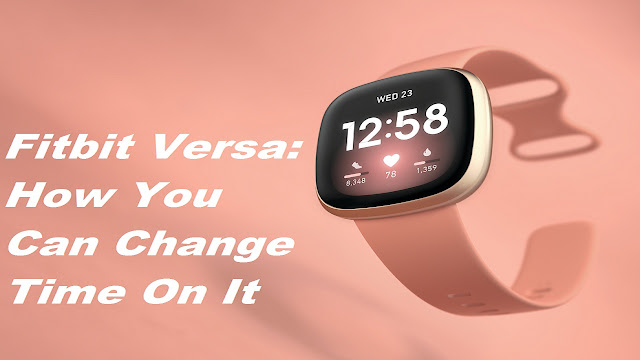
The health and fitness app, Fitbit Versa, has impressive and useful features. The users who have this app on their watch are very much impressed with its performance. However, if you want to change time zones as per your convenience and frequ ently, you may not find Fitbit showing the accurate time. But, you can fix this problem in a few minutes. Before you take any step to make changes, you have to make sure that Fitbit Versa displays the exact or correct time or not when you sync it with your Smartphone. If your health and fitness watch is not showing that, you will need to restart your Fitbit Versa. Fitbit Versa: How to Change Time Using the App If you want to change the time using the Fitbit Versa app, follow the below-given steps. First of all, you will need to open the Fitbit Versa app on your smartphone. Then, you will need to click on the “Today” option appearing at the screen bottom. After that, click on your avatar located in the left corner at the top of the app. Further, yo...